
5 Best All in One AI Assistants to Boost Your Productivity
An AI helper should make your work easier, not harder. What often happens is you use different AI tools for different tasks, like ChatGPT for writing, Claude for analysis, and Midjourney for pictures. This means opening many tabs, logging in multiple times, and learning different ways to use each tool. By the time you finish, you might have been quicker doing it yourself.
A good all-in-one AI assistant solves this problem by offering many tools in one place, so you don't have to switch. However, most of these assistants just combine existing tools without adding anything truly helpful. They lose track of what you're working on when you move between tasks, and their extra features feel unimportant.
The following five assistants actually help you work faster. Each one uses several AI models and offers something special. While none are perfect, each will save you time on particular kinds of work.
Our Selection Criteria
When choosing an all-in-one AI assistant to boost your productivity, five main things are important:
- Can you use different AI models like GPT, Claude, or Gemini, or are you stuck with just one?
- Does the assistant remember what you're doing as you switch from writing to making images or doing research?
- How quickly can you go from having an idea to getting a result?
- What extra tools does it offer, such as summarizing, translating, making text sound more human, or creating prompts, to speed up daily jobs?
- Does its price truly save you money compared to paying for separate subscriptions?
5 Best All in One AI Assistants to Boost Your Productivity
1. Cabina.AI
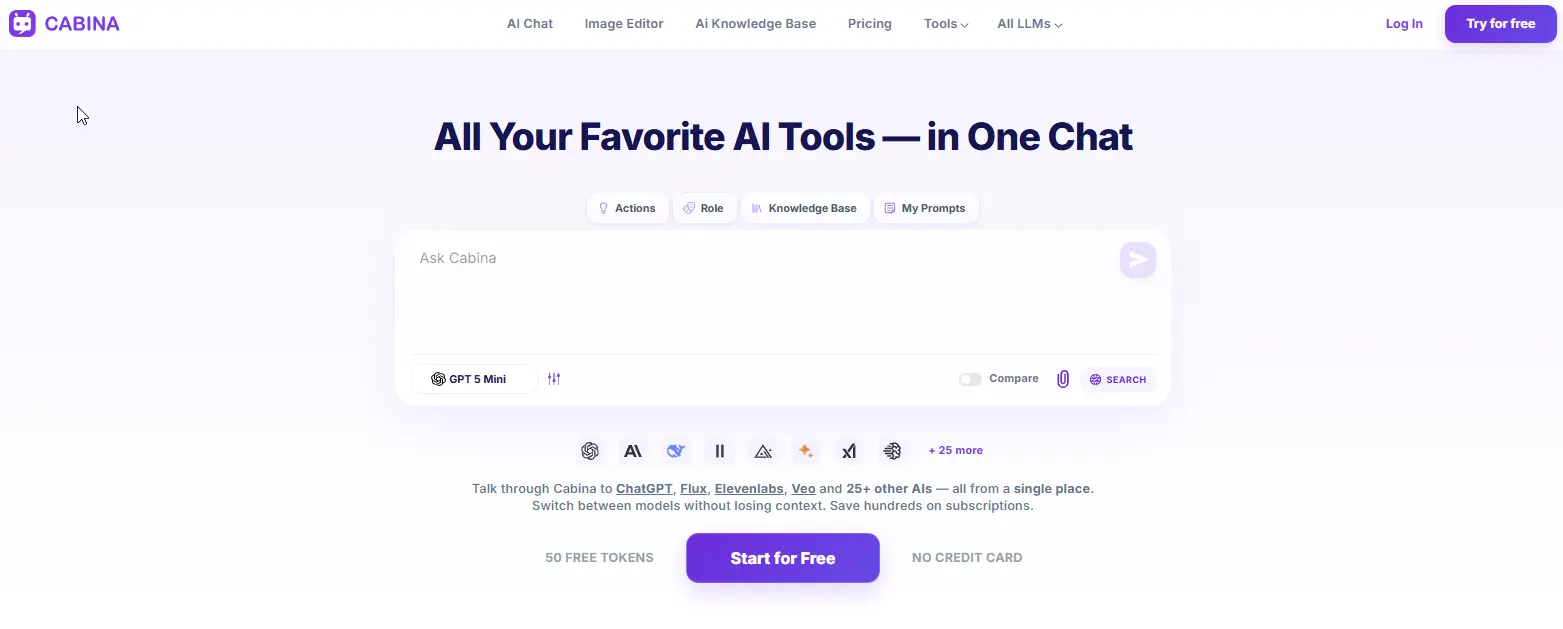
Cabina.AI is a comprehensive platform where you can work with text, images, videos, and audio files, all while keeping track of your thoughts and projects. It gives you access to various important artificial intelligence tools like ChatGPT, DALL-E, Midjourney, and ElevenLabs. A key feature of Cabina.AI is its ability to remember your progress. You can start a project with one AI tool, then easily move to another for a different type of media - for example, shifting from writing to creating an image or a video - all within the same conversation, and the AI will recall your previous discussion.
The platform also includes a comparison feature, allowing you to view results from two different AI tools side-by-side to help you choose the best option. A unique aspect is its RAG (Retrieval Augmented Generation) system for entire folders of documents. You can upload many files, and the AI will only use the information from those documents to answer your questions, which helps prevent it from giving incorrect information. For images, you can use the Magnific upscaler directly within the platform to make them sharper and add fine details without needing another program. If you wish to improve your prompts before generating anything, you can do so by clicking the link to the prompt generator tool. And when you need to check your writing for grammar, tone, or clarity, there's a free AI text analyzer built right in - no extra subscription required.
Key features
- 20+ text models - GPT, Claude, Gemini, Grok, Llama, Mistral, Qwen, DeepSeek.
- 10+ image models - DALLE, Flux, Ideogram, Midjourney, Stable Diffusion, Leonardo, Recraft.
- 7+ video models - Hailuo, Lumalabs, Pika, Runway, Veo, Vidu.
- Audio models - ElevenLabs, Google Audio, Whisper.
- Shared context across all models and media types.
- Compare mode - see two models side by side.
- RAG on entire folders - upload hundreds of documents, chat with your data.
- In-Painter - real image editing: remove objects, expand, upscale, variations, sketch to image.
- Humanizer tool - rewrite AI text to sound human.
- Prompt generator & enhancer - turn a few words into a professional prompt.
- Free prompt library - save and reuse your best prompts.
- Folders - organize chats by project.
- Team access - share tokens across a team.
Pros
- One subscription covers text, image, video, and audio.
- Pay-as-you-go from $3 means no lock into a monthly plan.
- Shared context across models actually works - this is rare.
- Image editor is genuinely useful, not a checkbox feature.
- Humanizer tool is a nice bonus for marketers and writers.
Cons
- Free plan gives 100 tokens - enough to test but not for heavy use.
- Some advanced models (like Midjourney) require credits per generation.
- Interface isn't as polished as ChatGPT's - it's functional, not beautiful.
Pricing
- Free: 100 tokens.
- Pay-as-you-go: top up from $3.
- Monthly subscription: from $4.99.
- Yearly: from $4.72/month (billed annually).
2. ChatGPT
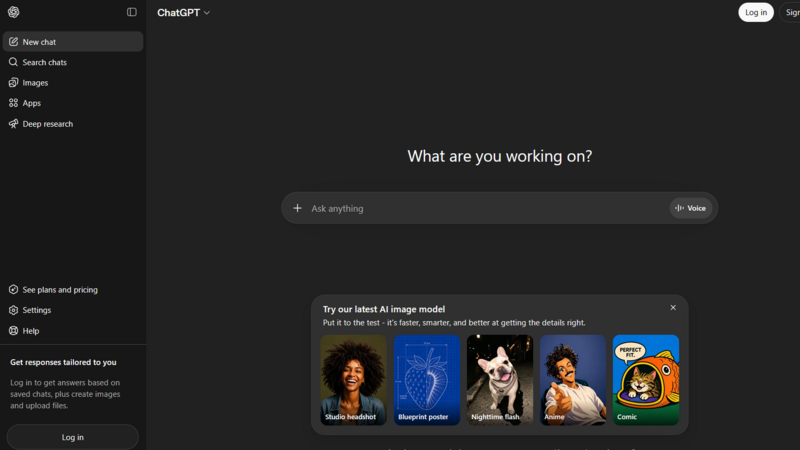
Most people first think of ChatGPT as an AI helper. This makes sense because it works well, quickly, and can handle many different jobs.
ChatGPT is useful because it is simple to use. You just open it, type, and get a reply. There are no different AI models to pick from or settings to adjust. The newer GPT-4o can work with words, pictures, sounds, and even computer code. With Custom GPTs, you can make small AI tools for tasks you do over and over again - like a grammar checker that uses your company's writing style or a tool that always summarizes information in the same way.
However, there is a limitation. You are limited to only using the AI models made by OpenAI. You cannot use other AI models, such as Claude for deep document review, Gemini for understanding very long passages, or Flux for creating better images. If ChatGPT doesn't do a good job with something, you cannot switch to a different AI model.
Key features
- GPT-4o - handles text, images, voice, and reasoning in one chat.
- DALL-E 3 - turns descriptions into pictures.
- Code interpreter - upload a spreadsheet, find patterns, draw charts.
- Custom GPTs - build your own mini assistant for repetitive work.
- Web browsing - pulls live information from the internet.
- Voice chat - speak your prompts on mobile.
Pros
- Extremely polished. The interface sets the standard.
- Custom GPTs save time on repetitive workflows.
- Huge community means you'll find prompts and examples for almost anything.
- Free tier is generous.
Cons
- Only OpenAI models. No way to switch to Claude or Gemini.
- No video generation.
- No real audio tools beyond basic voice.
- $20/month for Plus adds up if you also need other models.
Pricing
- Free: GPT-3.5 (older, slower, less capable).
- Plus: $20/month for GPT-4o, DALL-E, browsing, and file uploads.
- Pro: $200/month - overkill for most people.
- Team / Enterprise: custom pricing.
Best for: People who only need OpenAI models and want the most polished assistant experience without any setup complexity.
3. Monica
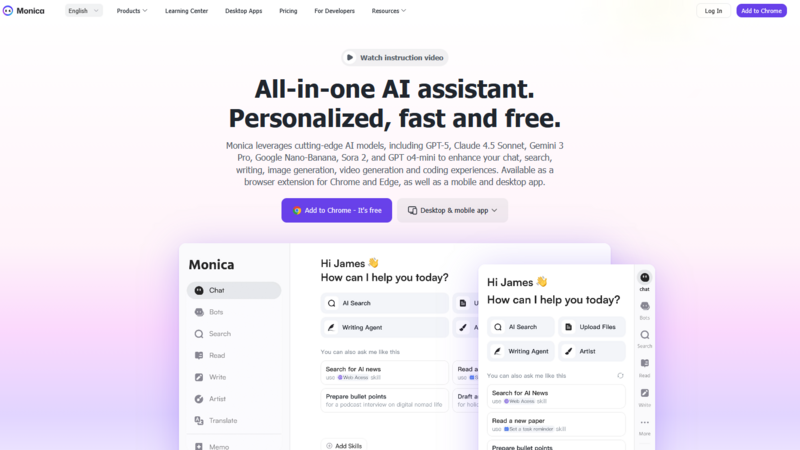
Monica began as a browser add-on and has become a complete assistant. You can think of it as a small AI helper found in your browser's toolbar. By selecting any text on a webpage - like an article, a PDF, or a YouTube transcript - and using a shortcut, Monica can summarize, translate, explain, or rewrite it. This is the main way it helps with productivity: you don't need to copy and paste or change tabs, as the AI works right where you are.
Inside, Monica lets you use GPT, Claude, and Gemini within one chat. You can switch between them, upload files, and even make simple pictures. However, the system's ability to remember past conversations when switching between these AI models is not very strong. If you start a discussion with GPT and then move to Claude, the new model often doesn't recall what was just said. This makes complex tasks harder to manage. For quick jobs done directly in the browser, it works well enough.
Key features
- Browser extension - works on any webpage with a shortcut.
- Multiple models - GPT, Claude, Gemini, DeepSeek in one chat.
- Summarize anything - articles, PDFs, YouTube videos, emails.
- Chat with webpages - ask questions about the page you're on.
- File upload and basic analysis.
- Image and basic video generation.
Pros
- Very accessible. Works right where you already browse.
- Great for quick tasks: summarize, rewrite, explain, translate.
- Free tier is actually usable for light work.
- Keyboard shortcuts make it fast.
Cons
- Shared context is weak. Switching models often resets the conversation.
- Image and video quality isn't competitive with dedicated tools.
- Pricing gets confusing - "credits" for advanced models make it hard to guess monthly costs.
Pricing
- Free: limited daily uses.
- Pro: from $16.60/month (billed yearly).
- Unlimited: from $28.30/month.
Best for: People who want AI inside their browser for quick summaries and rewrites, not for heavy creative work or complex projects.
4. Anakin.ai
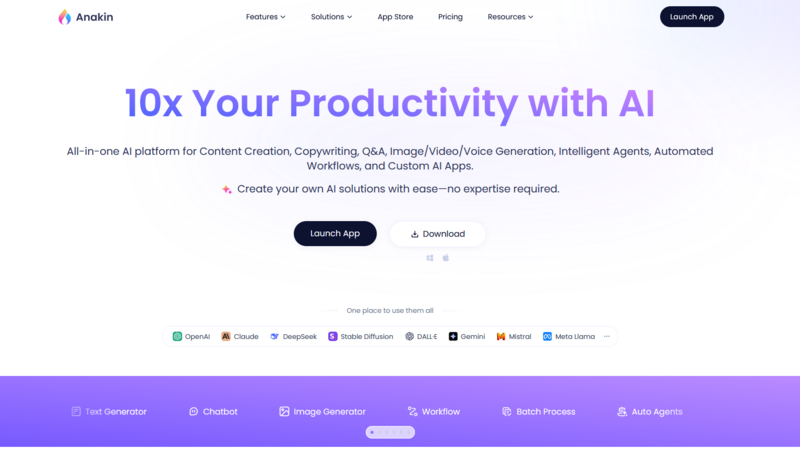
Anakin.ai is designed for individuals who repeatedly perform the same tasks with AI. It functions as an automation platform for creating workflows, rather than a conversational assistant.
Consider it like this: instead of manually copying a YouTube link to a summarizer, then pasting that summary into Notion, and then formatting it, you can build a workflow once. Anakin.ai will then automatically run this workflow every time you need it.
You can use over 20 different AI models, including GPT, Claude, Gemini, Llama, and Mistral. It allows you to process many items at once with the same prompt, and you can work with others as a team.
Key features
- 20+ models - GPT, Claude, Gemini, Llama, Mistral, and others.
- Workflow builder - drag and drop to connect steps.
- Batch processing - run the same prompt across hundreds of items.
- Team collaboration - shared workspaces and permissions.
- API access - connect your own keys or build custom integrations.
- Prompt templates - save and reuse complex prompts.
Pros
- Extremely flexible. You can automate almost any repetitive AI task.
- Great for batch operations - saves hours of manual work.
- Model selection is solid and up to date.
- Team features are genuinely useful for agencies and startups.
Cons
- Steep learning curve. Not for casual users.
- Interface is cluttered and intimidating at first.
- No built-in image or video generation - you need to connect external APIs yourself.
- Free tier is very limited.
Pricing
- Free: limited workflows and runs.
- Pro: from $14.99/month.
- Team: from $49.99/month.
- Enterprise: custom pricing.
Best for: Developers, power users, and technical teams who need to automate repetitive AI workflows. Not for casual daily use.
5. Gamma
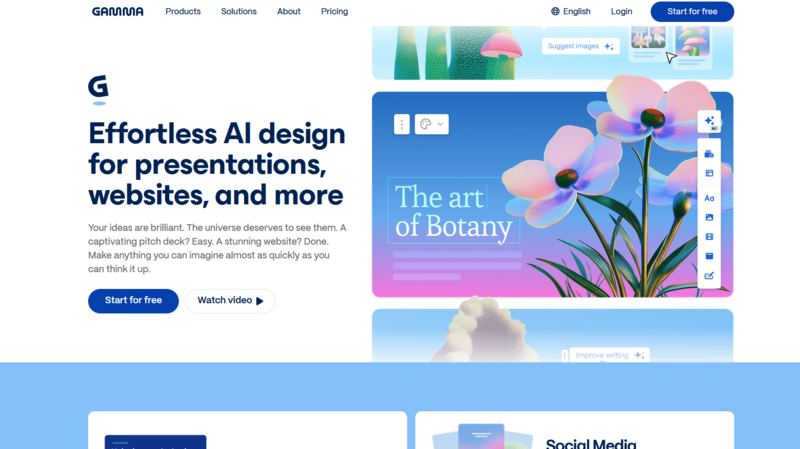
Gamma stands apart from the other items listed here. It functions not as a chat helper, but as a tool for creating presentations and documents, significantly cutting down on the time spent on formatting.
You can enter a command, such as "make a presentation on quarterly sales figures," and Gamma will quickly produce an entire set of slides, complete with text, pictures, and designs. It operates similarly for creating documents, web pages, and newsletters.
The boost in productivity is clear: a task that typically requires two hours (planning, designing, arranging, finding images) now takes only two minutes. While some editing and adjustments will still be necessary, the initial challenge of starting from nothing is removed.
Key features
- AI presentation generator - prompt to slide deck in seconds.
- Document & webpage generation - same format works across types.
- Editable output - change text, images, layouts after generation.
- Built-in image search - finds relevant visuals automatically.
- Templates - professional designs for different use cases.
- Team collaboration - share and edit together.
Pros
- Extremely fast for creating presentations and documents.
- No design skills needed - output looks professional out of the box.
- Free tier covers basic needs.
- Great for students, consultants, and business teams.
Cons
- Not a general-purpose assistant. You can't ask random questions.
- No manual model selection - you can't choose between GPT, Claude, or Gemini.
- No image generation - it searches for existing images instead.
- No video, no audio, no RAG.
- Limited control over the final output compared to manual creation.
Pricing
- Free: limited presentations and documents with watermarks.
- Pro: from $8/month (billed yearly).
- Teams: from $30/month per user.
- Enterprise: custom pricing.
Best for: Students, consultants, and business professionals who need to create presentations and documents quickly, not for people who want a general-purpose AI assistant.
Final Thought
Let's consider which all-in-one AI helper truly helps you get more done.
If your work involves text, pictures, videos, and sound, and you don't want to pay for five different services, Cabina.AI offers the most complete package. Its unique features include shared information, a compare option, using data from your folders, and the In-Painter image editor. The option to pay as you go, starting from $3, means you're not tied to a monthly fee.
If you only use OpenAI models and prefer the best chat experience, ChatGPT Plus is still a good choice. Its custom GPTs can save time on tasks you do often.
If you spend most of your time online and want AI for quick summaries and rephrasing, Monica fits right into your browser. However, don't expect it to have strong creative tools.
If you repeatedly do the same AI tasks, Anakin.ai will save you many hours. But be prepared to spend some time learning how to use it.
If you need to create presentations and documents quickly, Gamma works wonders. Yet, it's not a general-purpose helper for various tasks.
The most effective productivity assistant is the one that makes your work easier. If you constantly switch between tools, an all-in-one platform like Cabina.AI is the winner. If you mostly do one kind of task, a specialized assistant might be enough for you.
Begin with a free version. Try out the shared information feature. See if the assistant stops you from opening too many browser tabs. If it does, keep using it. If not, stick with what already works for you.
Because ultimately, the goal isn't to collect many AI tools. It's to finish your work faster.
Download Now:

🚀 Space enthusiast dreaming on Earth | Finding constellations in coffee cups ☕🌌 | Advocate for kindness and curiosity 🌱 | #Stargazer #CoffeeGalaxy


